
Finding things
The finder – Ctrl K
Press Ctrl K (⌘ K on a Mac) anywhere, or click Find anything… in the header.
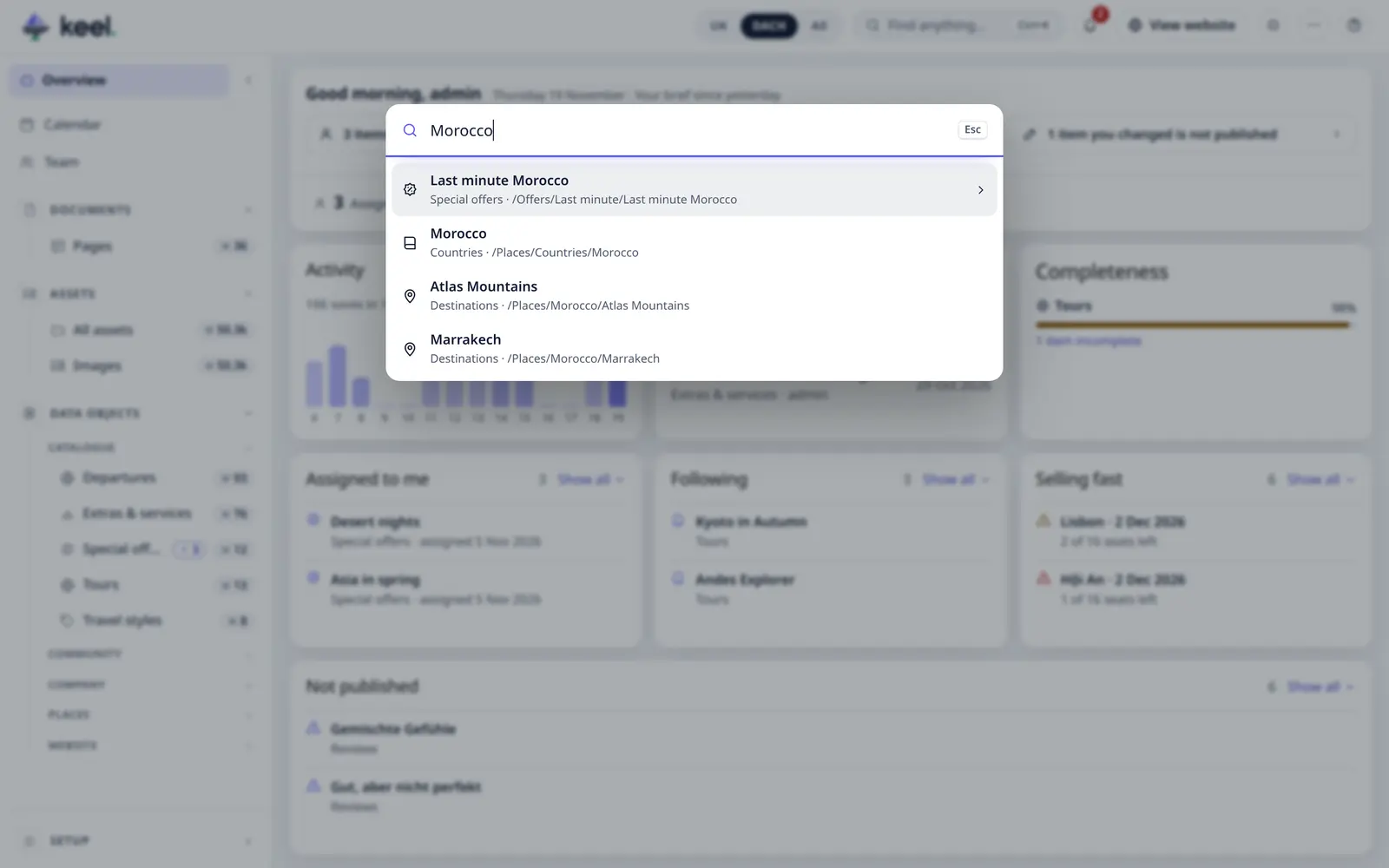
Type to:
- open an item – from 2 letters, Keel searches the items of all your lists by name, path or ID (up to 12 results),
- open a list – Open list · 28,
- add an item – New Property appears while you type,
- customize – Customize dashboard (admins).
Use ↑ ↓ to move, Enter to open, Esc to close.
The finder looks only in lists (data objects). It does not find pages or files: search for those in Pages and Assets (below).
Searching a list
Every list has its own search box – press / to jump into it. Keel shows items where every word you
type matches, so villa split finds villas in Split.
Search in assets and pages
- Assets – search by file or folder name, or pick a folder. See Assets.
- Pages – search title, URL or description. See Pages: settings & SEO.